Skip to content

The JobTread Project Portal

BlueLadder Builders

Feel Connected to Your Project From Anywhere.


You should be able to follow your remodel even when you're away from home. BlueLadder Builders uses JobTread to keep your schedule, project details, and progress updates in one accessible place. It's an easy way to stay involved and keep track of the decisions along the way.

Your Project at a Glance

  • Schedule: Follow upcoming work and project milestones.
  • Progress Photos: See how your space is taking shape.
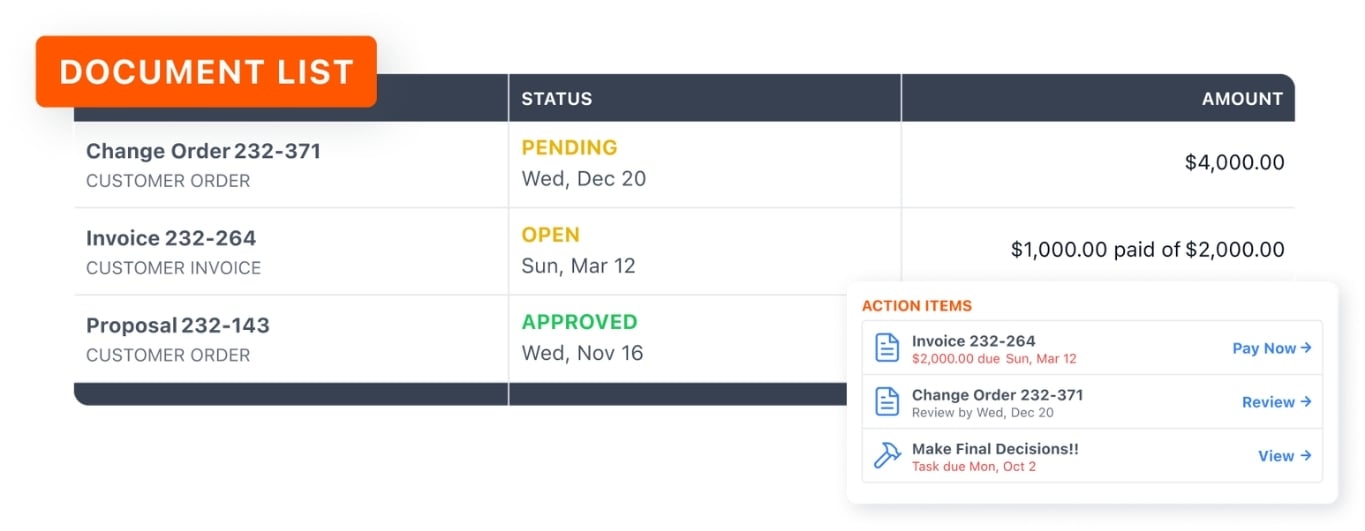
  • Documents: Review shared proposals, change orders, and invoices.
  • Selections: Keep track of material and finish decisions.
  • Messages: Ask questions alongside the relevant project details.

BlueLadder Builders - JobTread Logo - 480x480px


Powered by JobTread

One Place for Everything on Your Project.


Most contractor communication lives in scattered text threads, lost emails, and "I'll check with the project manager." That's a bad system. We use JobTread instead.

From day one of your project, you have access to your own client portal. Every conversation, document, photo, schedule update, and approval lives there — organized by your project, accessible from your phone or laptop, available any time.

Whether you're across town, traveling for work, or living somewhere else while we remodel your Florida home — you see exactly what's happening, every day.

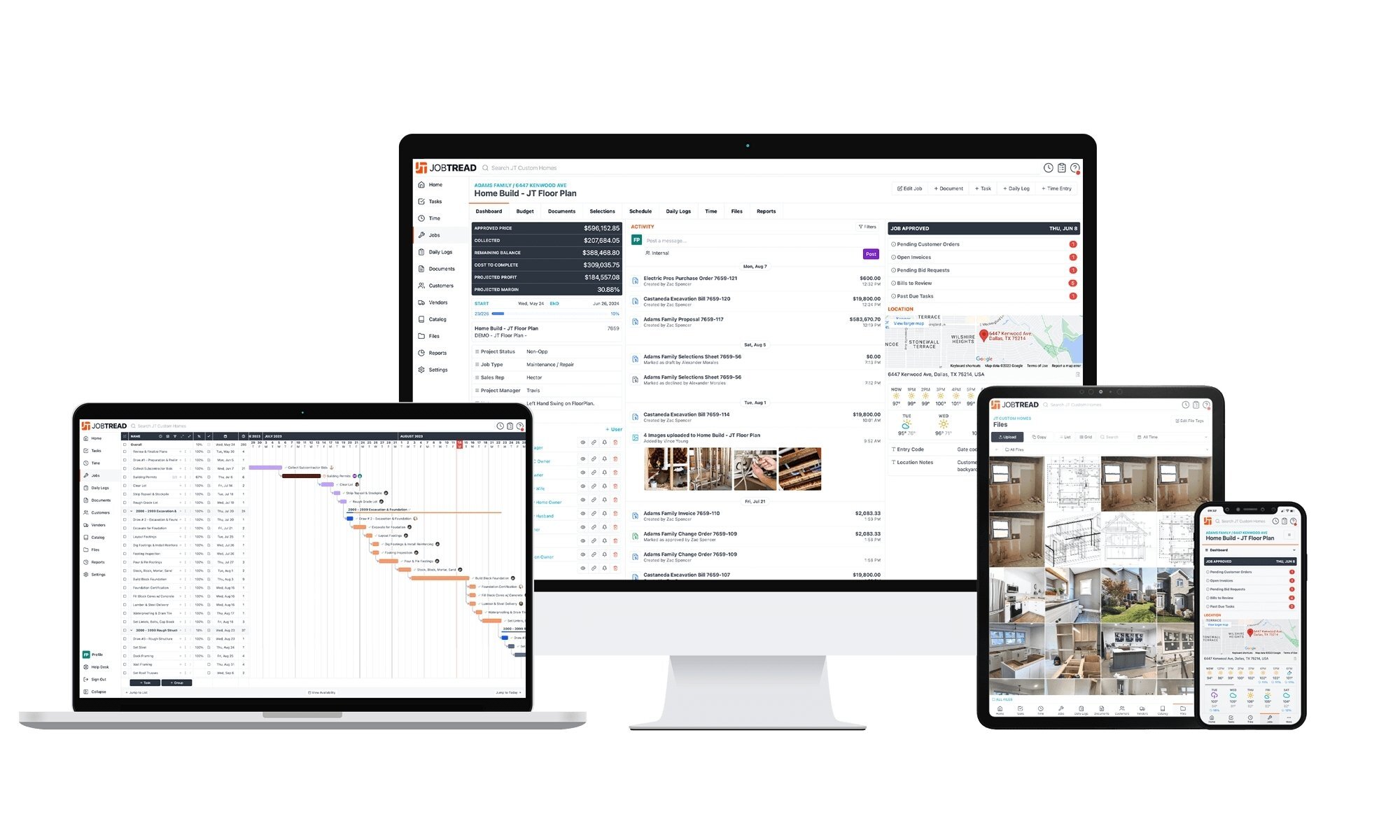
Examples of how JobTread looks on different devices.

What's in your portal

Everything You Need, Nothing You Don't.


Six tools you'll actually use during your project. No app to download — works in any browser on a phone, tablet, or computer.

Example of the Document List on JobTread.

All Communication in One Place

Messages, questions, decisions — all in the portal. No more digging through old text threads or wondering which email had the answer.
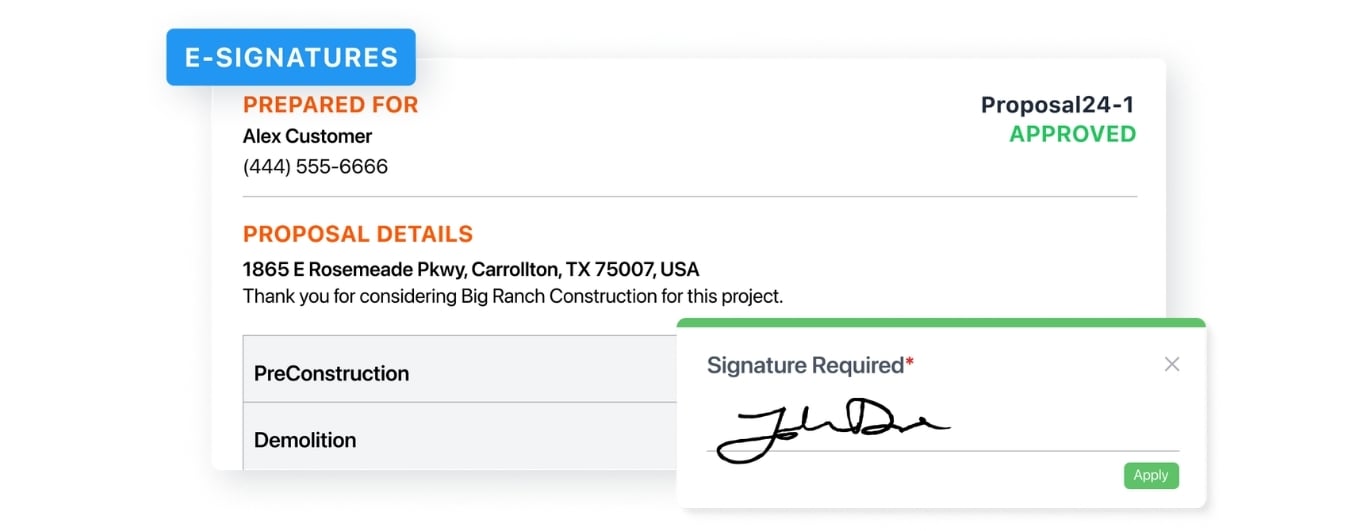
Example of E-Signatures on JobTread.

Digital Approvals & Payments

Review proposals, approve change orders, and pay invoices online. Everything's logged with a date stamp so there's never a question about what was approved when.
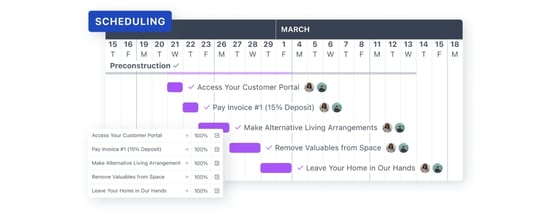
Example of Scheduling on JobTread.

Live Project Schedule

What's done, what's happening this week, what's coming next. Trades scheduled, milestones tracked, completion date right there.
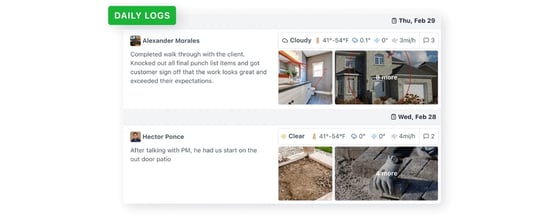
Example of Daily Logs on JobTread.

Daily Field Logs

End of every workday, you get a log of what happened on-site. Tasks completed, trades on-site, any issues that came up — even when you weren't there.
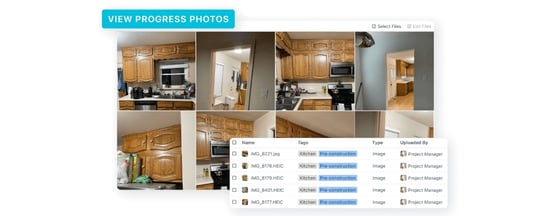
Example of Progress Photos on JobTread.

Progress Photos

Time-stamped photos from the field, organized by date and area. Watch the project come together from anywhere, share with family, keep a record.
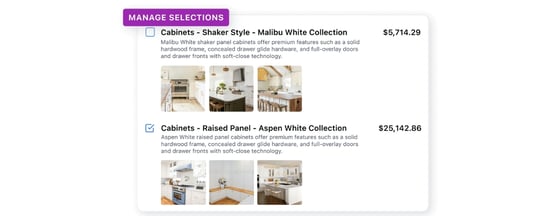
Example of Managing Selections in JobTread,

Sections & Materials

Cabinets, tile, fixtures, paint colors — every selection tracked in one place with photos, allowances, and approval status. Nothing gets lost.

How It Works

Onboarding Takes About Five Minutes.


When your project kicks off, you get a portal invite by email. From there, it's straightforward.

1

Get Your Invite

You'll receive an email invite when your project is set up. Click the link, set a password, and you're in.

2

Log In Anywhere

Browser-based, no app required. Works on phone, tablet, or computer. Notifications come by email and text — your preference.

3

Stay Updated

Daily logs, photos, and schedule updates land automatically. Open whenever you want a quick check-in.

4

Take Action

Approve selections, sign change orders, pay invoices, message us — all from the same place. Date-stamped and tracked.

See It In Action

A Quick Walkthrough.


A two-minute look at the customer portal so you can see exactly what to expect when your project starts.

Let’s Make Your Home Work Better for You

Your ideas are a great place to start

You don’t need finished plans to talk with BlueLadder Builders about your remodel. Tell us what you’d like to change, and we’ll help you understand your options and the next steps.

double_arrow